Driver App — Road Companion
Developed a cross-platform React Native app with Expo, featuring service categories, a built-in navigation map, real-time listings, and user authentication via Node.js and MongoDB backend.
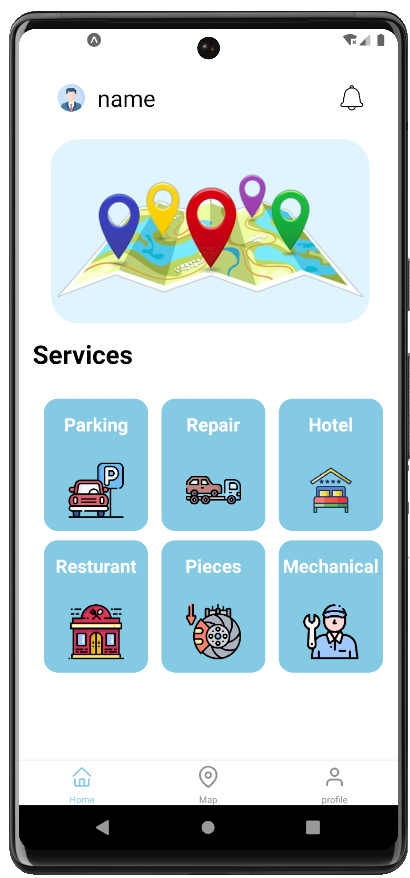
A visual journey through the screens.
16 frames, capture by capture — how Driver App actually flows, from first launch to final booking.
Onboarding
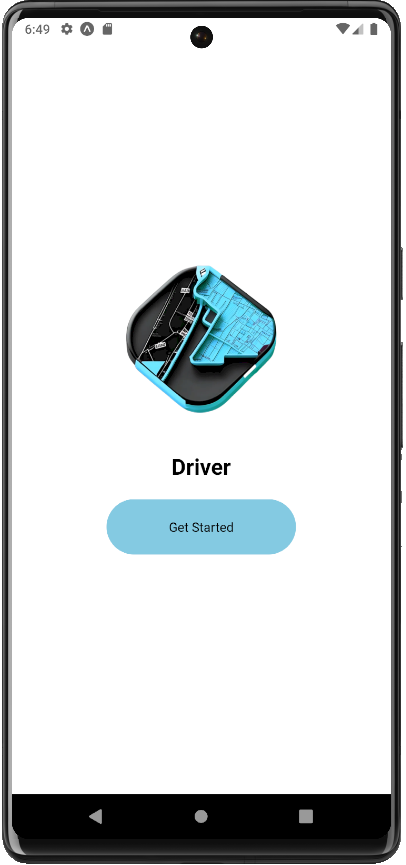
The welcome screen
A short sign-in keeps friction low: phone, verification code, done. The welcome screen promises essentials, not a marketing essay.
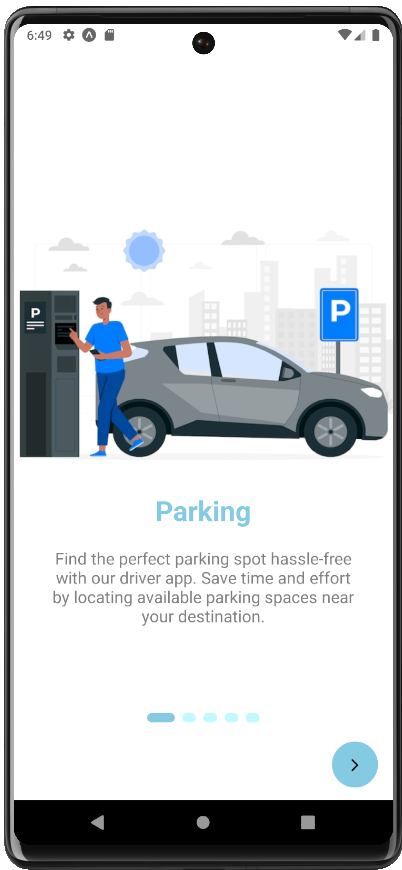
Parking, first pick
Finding a safe spot on the road is the first need the onboarding sells. One idea, one action, one big visual.
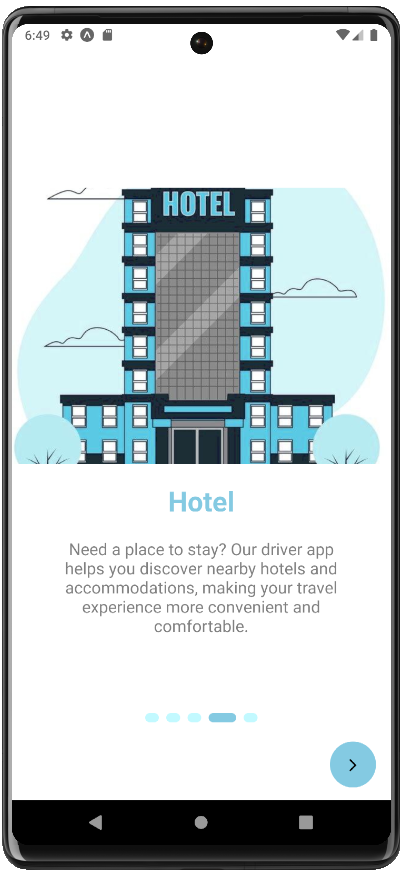
Hotels on the road
Long-haul drivers rest deliberately. The hotel frame sets the promise — a clean room, one tap away from the highway.
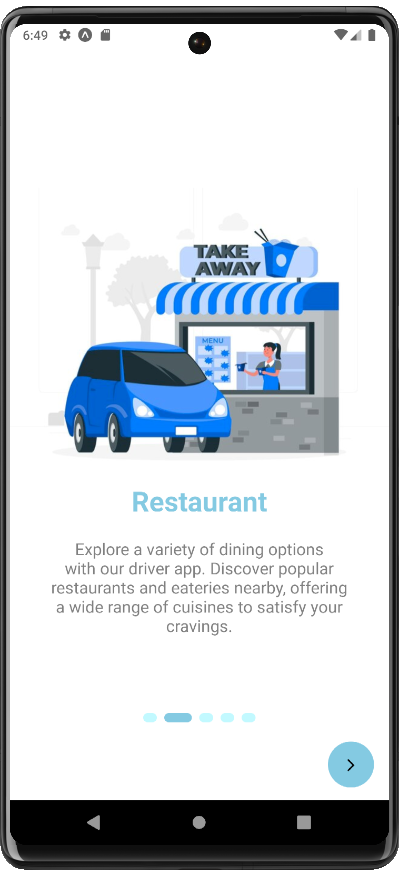
Restaurants nearby
Meal breaks matter. The restaurant frame introduces hungry-driver convenience before the engine even warms up.
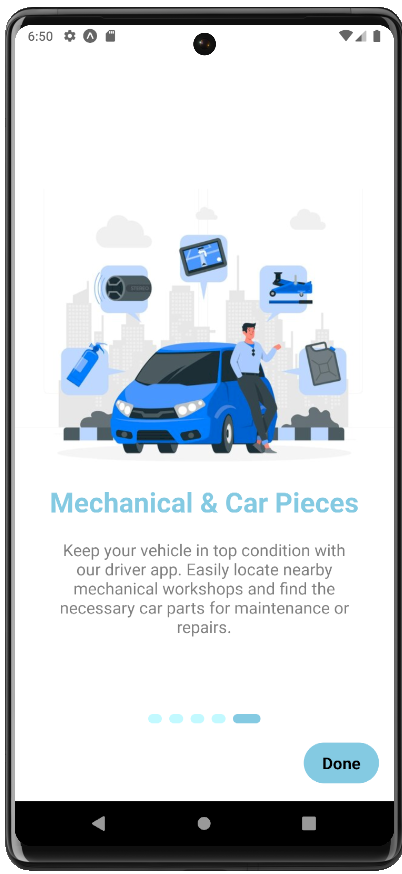
Mechanical assistance
Breakdowns are the worst part of the job. This frame promises help on the hardest days — a mechanic, dispatched in seconds.
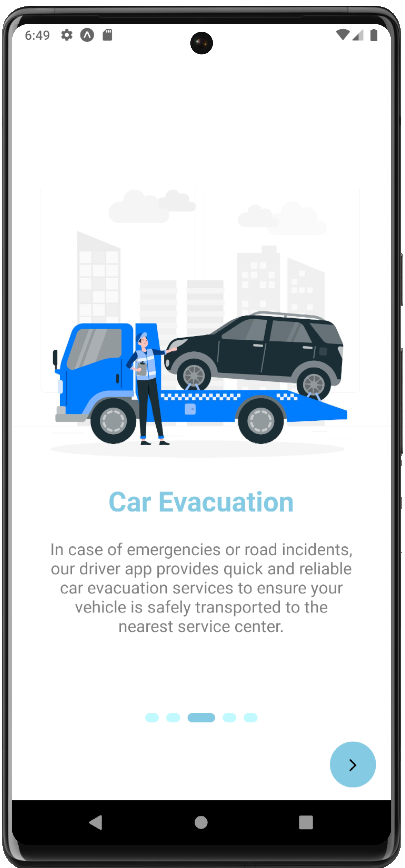
Truck recovery
The heaviest problems deserve a dedicated answer. Truck recovery closes the onboarding loop so every driver feels covered.
Main App
The driver's home
Home groups every service into one glanceable dashboard — parking, fuel, repair, hotels and breakdown assistance. Each need is one tap away.
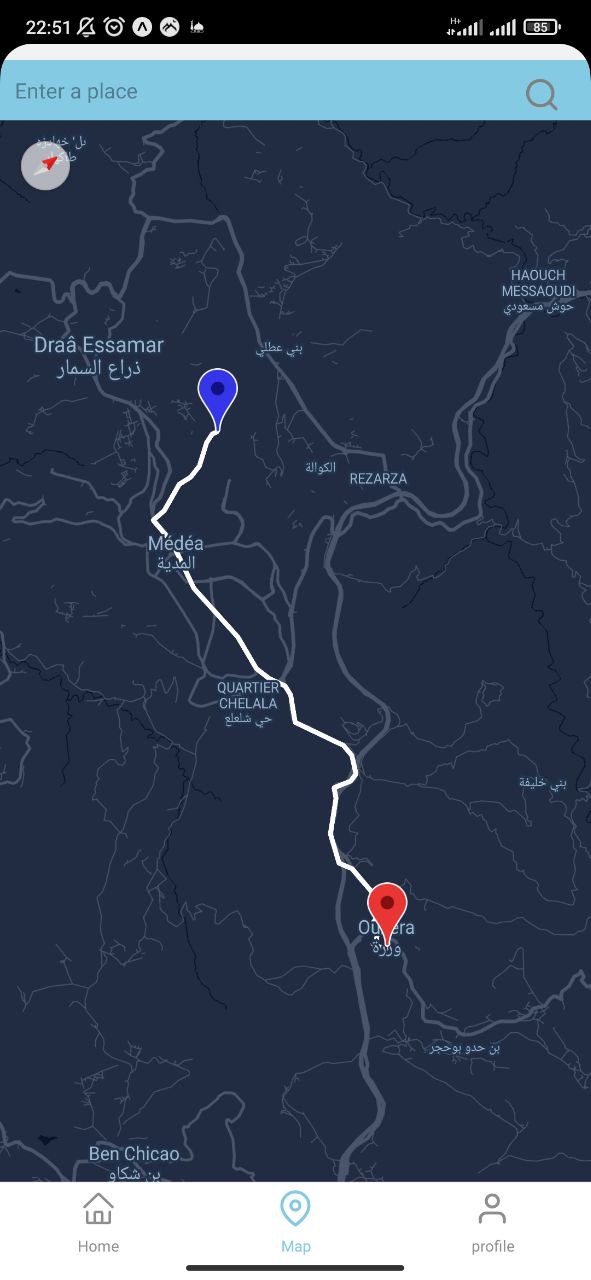
Find help on the map
The built-in map shows nearby listings as the road moves. Pinch, tap, and the nearest mechanic or hotel answers back instantly.
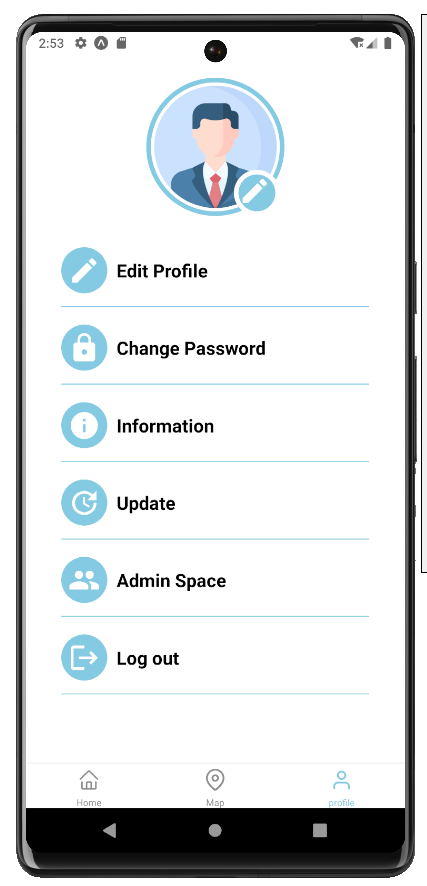
The account tab
A clean profile surface — your trips, saved places and preferences, always a thumb away from the driving screen.
Admin Space
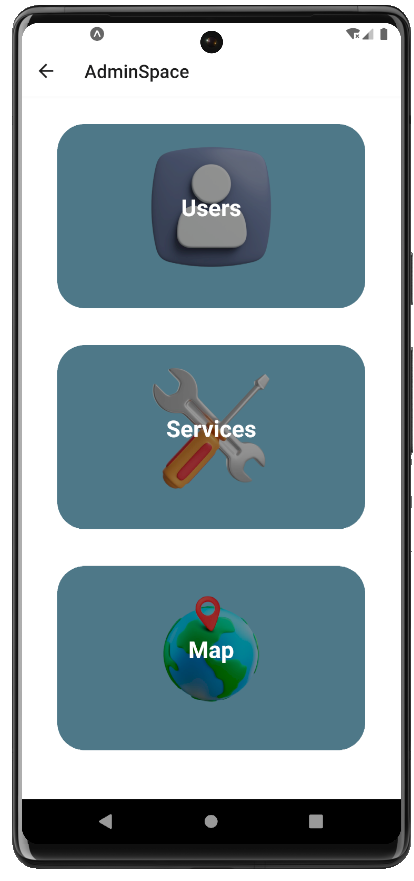
The admin overview
Operators land on a single control room: active users, service health and the day's stats read left to right in one glance.
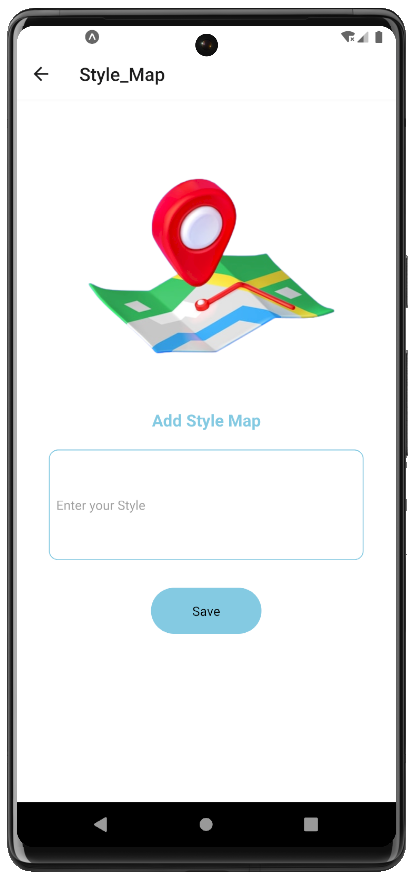
Map with styled layers
The admin map is fully stylable — custom layers, pins and zones to keep listings accurate as the city changes.
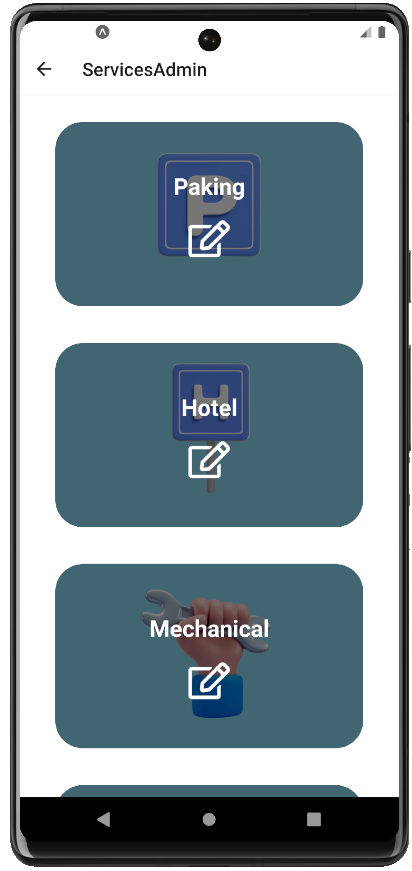
Service manager I
Parking lots, hotels and mechanical workshops are approved and edited from one management screen — new listings go live immediately.
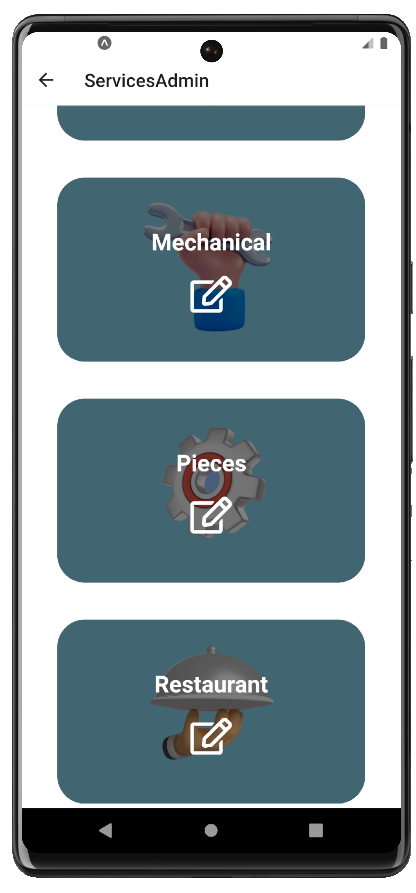
Service manager II
Spare-parts shops, restaurants and truck-recovery providers get the same treatment — every category supervised in the same flow.
Account & Settings
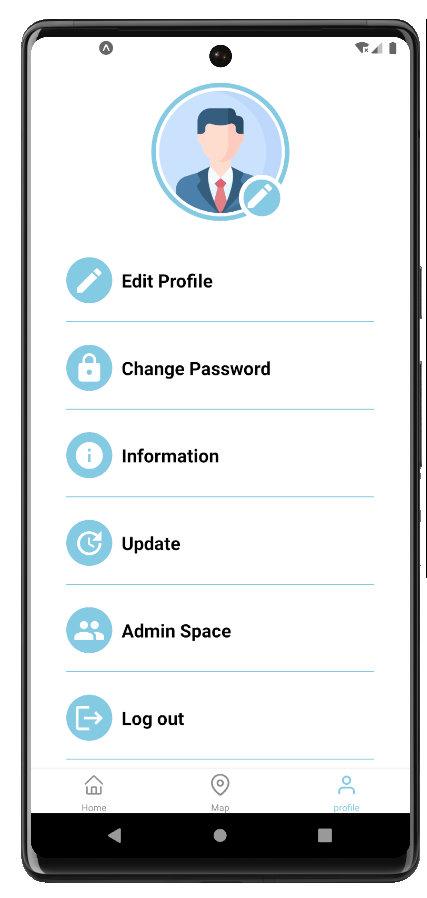
Admin settings
The admin role unlocks moderation controls: approvals, permissions and the tools the crew needs to keep the platform accurate.
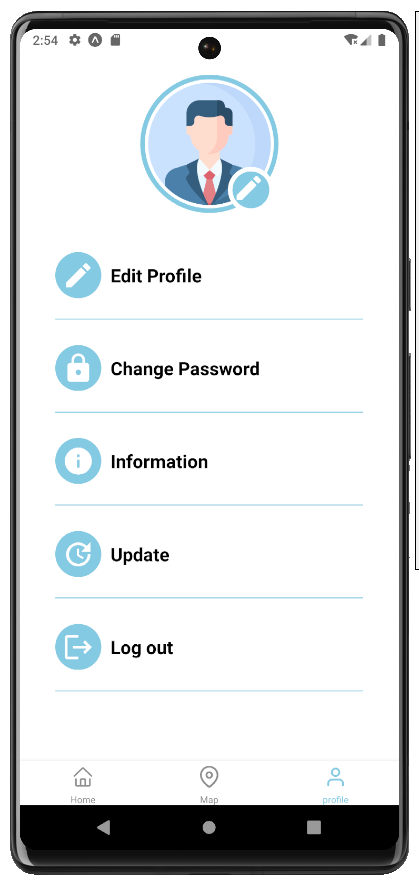
User settings
Driver preferences live here — language, vehicle profile and saved searches, tuned once and applied everywhere.
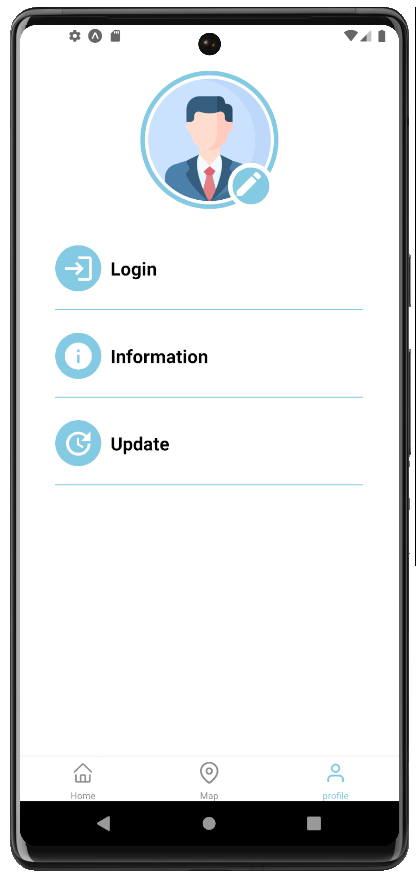
Guest settings
Guests still get a useful experience — browse listings and get help without an account, with a gentle nudge to sign in.
Drivers lacked a single platform to access essential roadside services like parking, repairs, hotels, and mechanical assistance.